
Villagio – Vacation Rental WordPress Theme
/Year
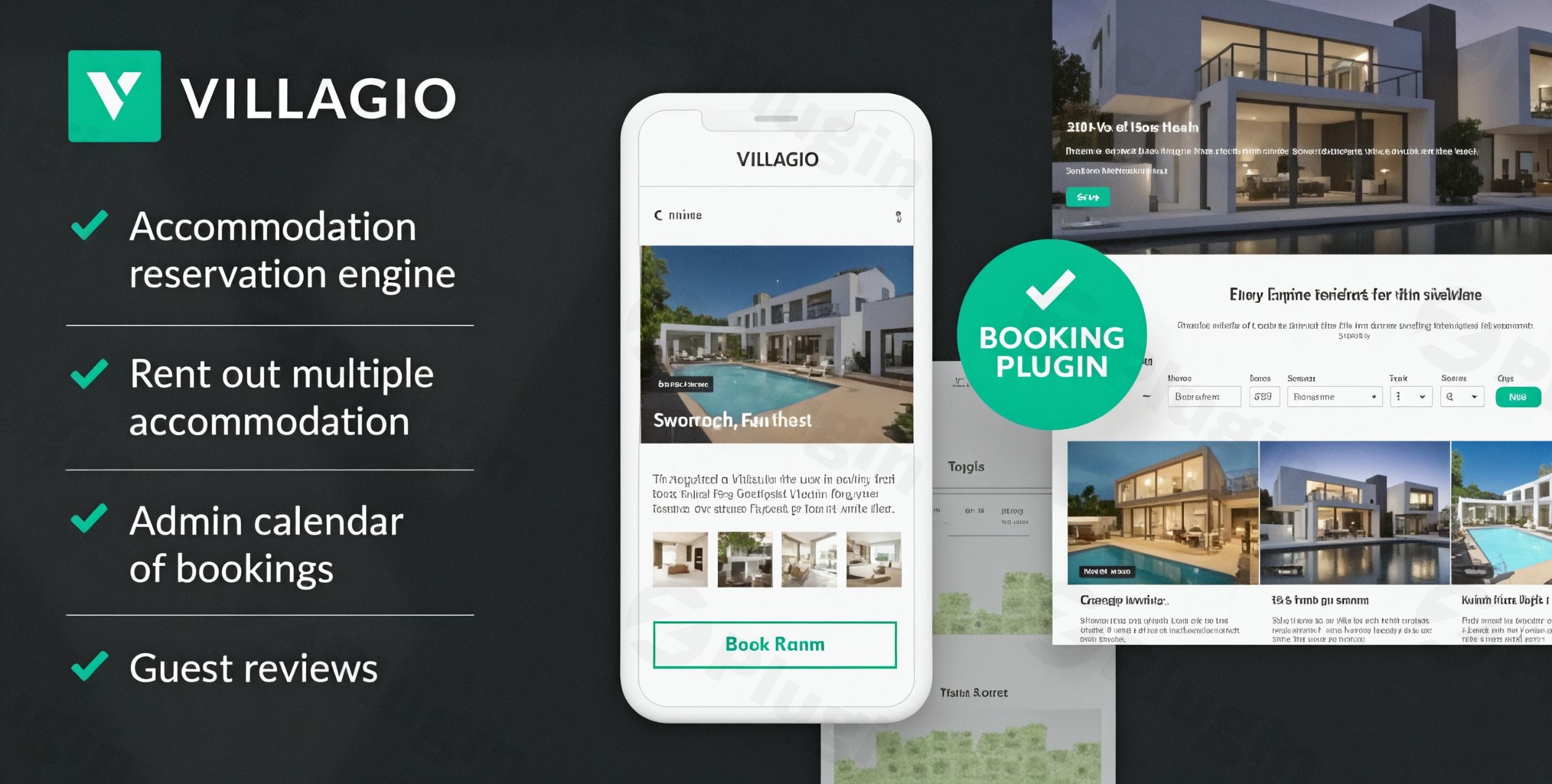
The Villagio WordPress Theme is a specialized, feature-rich solution designed exclusively for property owners and hospitality businesses looking to create a professional online presence with direct booking capabilities. This comprehensive vacation rental WordPress theme empowers you to manage accommodations ranging from hotels and villas to B&Bs and hostels, all from your own website. With a clean, balanced, and professional design aesthetic, Villagio prioritizes clarity and responsiveness, ensuring an intuitive experience for both you and your guests across all devices.
Key Features: Design, Layout & Performance for Your Rental Business
Villagio is crafted to not just look good, but to perform exceptionally, providing a robust foundation for your online rental operations.
Design & Layout Options
Villagio offers a modern, elegant design with an emphasis on clean lines, minimalism, and typography. It ensures your property listings are showcased beautifully and professionally.
- Responsive Design: The theme is 100% responsive and retina-ready, adapting flawlessly to any device and screen size, guaranteeing high-quality visuals on all displays.
- Flexible Layouts: Choose between boxed and wide layouts to match your brand’s aesthetic. Properties can be displayed in engaging multi-column layouts, perfect for a dynamic rental directory.
- Front Page Slider: A stylish header slider allows you to feature specific accommodations prominently on your front page, grabbing visitors’ attention immediately.
- Pre-built Templates & Demo Import: Villagio provides pre-built templates and a convenient one-click demo import feature, enabling you to get started quickly and replicate the demo site’s appearance with ease.
Customization Capabilities
Personalizing Villagio to align with your brand is straightforward and intuitive, primarily managed through the native WordPress Customizer.
- WordPress Customizer: This live editor interface allows you to easily customize your site title and logo, adjust front-page slider animations and width, switch between default or full-width site layouts, and control footer text visibility.
- Color Schemes & Typography: Enjoy a fully customizable color scheme with a color picker for backgrounds, main text, and brand accents. The theme also supports advanced typography and is compatible with Google Fonts, giving you full control over your site’s look and feel.
- Background Options: Easily set a custom background image to further personalize your site.
- Child Theme Included: A
villagio-childtheme is included in the package, and its use is highly recommended for any custom modifications. This ensures your unique changes are preserved even when the main theme receives updates.
Performance & SEO Features
Villagio is built with performance and search engine optimization in mind, ensuring your rental properties are easily found and load quickly.
- Lightweight & Optimized: The theme is designed to be lightweight, avoiding excessive plugins that can slow down your site. It focuses on clean, optimized code for better speed and performance.
- SEO Optimization: Villagio is optimized for search engines, helping your vacation rental website rank higher in search results.
- Cross-Browser Compatibility: Your website will look and function perfectly across all popular browsers, including Safari, Firefox, Chrome, Opera, and Microsoft Edge.
Integrated Booking System: MotoPress Hotel Booking Plugin
The true power of Villagio lies in its seamless integration with the premium MotoPress Hotel Booking plugin, which is included free with the theme. This robust plugin transforms your WordPress site into a fully functional direct booking WordPress theme.
- Real-time Availability Calendars: Guests can easily check property availability, and you can manage bookings efficiently with dynamic calendars.
- Comprehensive Property Management: Effortlessly add and manage all types of accommodations with detailed descriptions, facilities, amenities, professional image galleries, and rates.
- Online Payment Processing: Accept online payments directly, reducing reliance on third-party platforms and retaining more revenue.
- Flexible Rate & Discount Management: Set seasonal pricing, variable rates based on guest count, and create discount coupons to attract more bookings.
- Comprehensive Sales Dashboard: Gain insights into your bookings, manage reservations, and streamline your rental operations with a user-friendly dashboard.
- OTA Synchronization (iCal): Synchronize your availability with popular Online Travel Agencies (OTAs) like Airbnb and Booking.com via iCal, preventing overbookings and centralizing your calendar management.
Installation & Demo Import
Setting up your Villagio-powered vacation rental website is a straightforward process designed for users of all technical skill levels.
- Download the Theme: After purchasing, download the Villagio theme package from ZeroPlugin.com or MotoPress. This package will typically include the main theme, the child theme, and the MotoPress Hotel Booking plugin.
- Install & Activate Villagio:
- Log in to your WordPress dashboard.
- Navigate to
Appearance > Themes > Add New > Upload Theme. - Choose the
villagio.zipfile (the main theme, not the child theme initially) from your download, and clickInstall Now. - Once installed, click
Activate. - Crucial Step: Now, install and activate the
villagio-child.ziptheme by repeating the process, but this time, activate the child theme. This ensures future theme updates won’t overwrite your customizations.
- Install Required Plugins: Upon activation, Villagio will prompt you to install necessary plugins. These typically include:
- MotoPress Hotel Booking plugin: This is the core booking engine.
- Getwid WordPress Blocks plugin: Enhances the Gutenberg editor.
- Jetpack: Used for managing testimonials.
- Install and activate all recommended plugins.
- One-Click Demo Import:
- Navigate to the theme’s options or a dedicated “Demo Import” section within your WordPress dashboard (often under
Appearance > Import Demo Dataor a theme-specific menu item). - Follow the on-screen instructions to import the demo content. This will replicate the stunning demo site, including pages, posts, widgets, and menus.
- What to expect: The demo import might take a few minutes depending on your server’s performance. Once complete, your site will largely resemble the Villagio demo, providing an excellent starting point for customization. You’ll then need to adjust images, text, and booking details to reflect your own properties.
- Navigate to the theme’s options or a dedicated “Demo Import” section within your WordPress dashboard (often under
Customization Guide: Branding Your Vacation Rental Website
Villagio empowers you to personalize every aspect of your website to match your brand identity and specific rental offerings.
- WordPress Customizer: The primary hub for customization is
Appearance > Customize. Here, you can:- Site Identity: Upload your logo and set your site title and tagline.
- Theme Options: Adjust global settings like front page slider behavior, site layout (default or full-width), and footer text visibility.
- Colors & Background: Use the intuitive color picker to define your brand colors for text, backgrounds, buttons, and hover states. Upload a custom background image for a unique touch.
- Menus: Create and assign navigation menus to the theme’s four distinct locations in the header and footer (Primary, Social, Footer, Links).
- Widgets: Configure widget areas, including the default front page slider area, which can be replaced with other widgets to display essential information.
- Gutenberg Block Editor & Getwid: For content-level customization, Villagio fully embraces the native Gutenberg WordPress Block Editor.
- Use intuitive drag-and-drop functionality to build and arrange content blocks on your pages.
- The Getwid WordPress Blocks plugin extends Gutenberg’s capabilities, offering additional blocks for more dynamic content creation.
- Managing Accommodations: Through the MotoPress Hotel Booking plugin, you’ll find dedicated custom post types for “Accommodations,” “Testimonials” (powered by Jetpack), and the ability to add “Services” and “Packages.” This allows for structured and detailed presentation of your rental offerings.
- Child Theme for Advanced Changes: For developers or users planning significant code-level modifications, utilizing the included
villagio-childtheme is essential. This protects your customizations from being overwritten during theme updates, ensuring long-term maintainability.
FAQ & Troubleshooting
Here are answers to common questions about the Villagio WordPress Theme, designed for clarity and quick reference.
Is Villagio compatible with Elementor, Divi, or Gutenberg?
Villagio is primarily optimized for the native WordPress Block Editor (Gutenberg) and is enhanced by the Getwid WordPress Blocks plugin. While the underlying MotoPress Hotel Booking plugin is compatible with major page builders like Elementor and Divi, the theme itself integrates seamlessly with Gutenberg for content creation and layout adjustments.
Does Villagio support WooCommerce for online stores?
Yes, Villagio is e-commerce ready and supports WooCommerce. This means you can integrate WooCommerce to manage additional products or services alongside your property rentals. A custom WooCommerce Payments addon for the MotoPress Hotel Booking system is available for separate purchase to integrate additional payment gateways.
Does Villagio support child themes? How can I update it without losing customizations?
Yes, a child theme (villagio-child) is included in the theme package and is strongly recommended. To update Villagio without losing customizations, always ensure you are making your changes within the activated child theme. When the main Villagio theme receives an update, you can safely update it, and your child theme customizations will remain intact.
What is the core value proposition of Villagio for vacation rentals?
The core value of Villagio lies in providing a comprehensive, commission-free direct booking WordPress theme solution for property owners. It enables full control over rental operations, client data, and revenue by offering a robust booking system with iCal synchronization to OTAs like Airbnb and Booking.com, all integrated within a professional and easy-to-manage WordPress website.
Can Villagio synchronize availability with Online Travel Agencies (OTAs) like Airbnb or Booking.com?
Yes, Villagio offers iCal synchronization with Online Travel Agencies (OTAs) such as Airbnb and Booking.com. This crucial feature helps you prevent overbookings by keeping your availability calendars updated across all platforms, centralizing your reservation management.
Conclusion
The Villagio Vacation Rental WordPress Theme stands out as an expertly crafted, highly specialized solution for anyone in the accommodation rental business. Its strong emphasis on a clean design, coupled with deep integration of the powerful MotoPress Hotel Booking plugin, makes it an ideal property rental WordPress theme for direct bookings.With its intuitive customization options via the WordPress Customizer and Gutenberg, excellent performance, and built-in SEO readiness, Villagio provides a robust platform for showcasing villas, apartments, guesthouses, and more. It shines particularly for property owners and managers seeking to regain control over their bookings, reduce reliance on third-party commissions, and streamline their operational workflow through features like iCal synchronization and comprehensive rate management.While many useful add-ons for the booking plugin are available separately, the core theme and included premium booking functionality offer exceptional value. For those looking to establish or expand a professional, efficient, and visually appealing direct booking website for their vacation rentals, Villagio presents a compelling and confident choice.
I. Download Limits & Account Benefits
- Free Downloads: Each email address receives 3 downloads per day for free products
- Upgrade Benefits: Purchase any paid product to increase your daily download limit by 3 for each paid product
- No Account Required: You can download immediately by receiving the download link via email
- Account Recommended: Create an account for easier access to your order history and direct update downloads
II. Understanding GPL vs Official Versions
Important: The products available on WPPick are GPL-licensed versions, which differ from official developer versions. Before purchasing, please read our comprehensive guide: Understanding GPL & Official Differences at WPPick
Key Points:
- GPL versions may not include premium support from original developers
- Updates may be delayed compared to official releases
- Some premium features might have limitations
- Always consider your specific needs and support requirements
III. Support & Assistance
We’re here to help through multiple channels:
- Email Support: Direct email assistance for all inquiries
- Live Chat: Real-time support during business hours
- Comprehensive Documentation: Detailed guides and tutorials
IV. Order Tracking
Access your complete purchase history and download links anytime: Order History
V. Account Access
New to WPPick? Login or Create Account to manage your downloads and orders efficiently.
VI. Refund Protection
We stand behind our products with a clear refund policy. Review our terms: Refund Policy
VII. Privacy & Security
Your data security is our priority. Learn how we protect your information: Privacy Policy
VII. Terms of Service
Understanding our service terms ensures a smooth experience: Terms of Use
Quick Tips for Best Experience
- Verify Compatibility: Check plugin/theme compatibility with your WordPress version
- Backup First: Always backup your site before installing new plugins or themes
- Test Environment: Consider testing on a staging site first
- Stay Updated: Regularly check for updates in your account dashboard
- Read Documentation: Review any included documentation for optimal setup
Need Help?
If you have questions about downloads, licensing, or need technical assistance, don’t hesitate to contact our support team. We’re committed to ensuring you have the best possible experience with WPPick products.
Ready to get started? Your download adventure begins with just one click!
- Hotel Booking plugin updated to version 5.2.3.
- Added support for the Hotel Booking Accommodation-Based Payments add-on.
- Added the ability to limit search results based on the requested number of guests.
- Added the ability to create discount coupons specifically for services and fees. Note new and updated columns in CSV reports.
- Extended the list of countries that can accept payments via Klarna (Stripe).
- Added the "DTSTAMP" property to calendar export of blocking rules.
- Added the ability to sync bookings with buffer times included.
- Added the ability to remember the chosen guest count until checkout page.
- Added more options for the price format.
- Added the ability to create annually repeated seasons.
- Added the ability to export bookings imported from external platforms to CSV reports.
- Added a user-friendly option to select accommodation types in the WordPress block editor.
- Added the ability to sort seasons by the start and end date. Now they are sorted by date by default.
- Added the ability to easily change the order of the rates to set their priority.
- Improved the Booking Details page to show all associated payments, not just the last one.
- Improved compatibility with WordPress 6.8, addressing the _load_textdomain_just_in_time notice.
- Improved calendar synchronization to accurately reflect the entire blocking duration.
- Improved tooltips in the calendar date picker.
- Improved the import of ongoing bookings from external channels.
- Improved the way to customize rates based on the number of extra guests.
- Improved the display of the season dates in the table of rates.
- Improved the display of booking rules in different calendar themes.
- Optimized an admin booking calendar URL for easier sharing.
- Fixed an issue with annual season rules overriding the minimum stay setting.
- Resolved several issues related to site timezone settings.
- Fixed an issue where coupons were not applied correctly in languages other than English on the checkout page.
- Fixed an issue with the extra guest fee calculation in search results for entries exceeding accommodation capacity.
- Minor bugfixes and improvements.