

Woffice – Intranet, Extranet And Project Management WordPress Theme
/Year
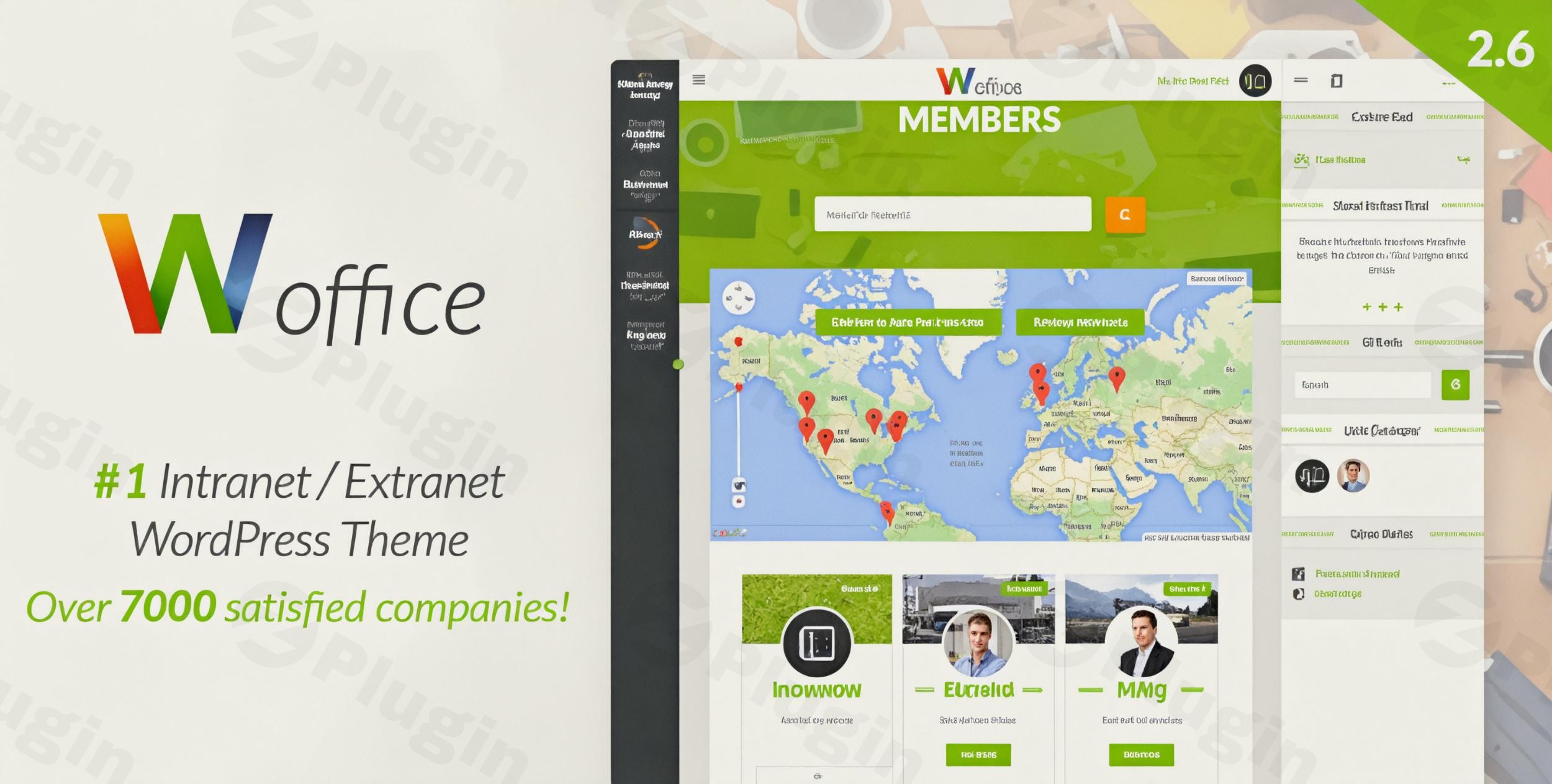
A Complete Hub for Internal Collaboration and Project Management
Woffice is a feature-rich WordPress theme engineered specifically for deploying secure corporate intranets, member portals, school networks, and extranet environments. Instead of piecing together disconnected solutions, it provides a unified ecosystem out of the box. Organizations can easily run safe collaborative spaces, handle sensitive document distributions, and coordinate group timelines directly on their WordPress installation.
Latest Version 5.4.38 Changes
Woffice version 5.4.38 was released on July 07, 2026. This minor release focuses on updating compatibility for WordPress v7.0 and fixing an event visibility bug where general events had incorrect selection settings.
- 5.4.38 July 07th, 2026 (UPDATED) WordPress v7.0 compatibility. (FIXED) Incorrect Event Visibility selection for General events.
What Woffice Does
The theme shifts WordPress from a standard public blogging platform into a private operational network. It establishes a fully locked-down or partially restricted portal where users must authenticate to gain access to resources. Once logged in, individuals interact with custom internal applications including personal dashboards, dynamic community groups, task lists, file managers, and shared enterprise calendars without leaving the centralized ecosystem.
Who It Is For
Woffice is built for teams, companies, governmental agencies, and educational institutions requiring an isolated hub for communication and work. It fits the needs of project managers tracking cross-functional assignments, human resource leads publishing internal policy handbooks, school administrators coordinating faculty schedules, and agencies provisioning secure digital workspaces for clients to download assets and exchange feedback.
Key Capabilities
- Secure Dashboard Builder: Create personalized, widget-based landing pages for authenticated users to view active assignments, recent announcements, and upcoming events.
- Built-in Project Management: Coordinate group objectives with task assignments, progress bars, milestone tracking, and drag-and-drop kanban features.
- File and Document Distribution: Store, categorize, and safely share internal documentation with precise download monitoring and version control tracking.
- Advanced Member Directories: Organize complete profiles with custom metadata fields, direct messaging channels, and department filtering.
- Extension Compatibility: Connects with ecosystem tools like BuddyPress for community feeds, bbPress for discussions, and WooCommerce for digital asset delivery.
Practical WordPress Use Cases
- Corporate Intranet Portals: Establish a private corporate network to archive internal standard operating procedures, track internal job openings, and display company-wide event calendars.
- Client Extranets: Build distinct client-facing portals where accounts log in to view project progression, download deliverables, and upload necessary brief files safely.
- School Management Systems: Manage faculty notifications, maintain distinct student cohort communication channels, and share course reference material securely.
Setup and Compatibility Context
Woffice functions on modern WordPress hosting environments running up-to-date PHP versions. It ships with comprehensive demo content installers that expedite the initial onboarding architecture. For formatting layouts and custom blocks, the platform relies on popular visual standard editing tools like WPBakery, meaning administrators can modify widgets and internal landing zones visually without dealing with complex theme template files.
Why Choose Woffice on WPPick
Acquiring Woffice via WPPick provides immediate deployment flexibility for testing environments, local prototyping, or internal agency development. Users gain unhindered access to the core functional archive files without registration blocks, allowing swift evaluation of project tools, network restriction capabilities, and integration plugins within an existing deployment process before scaling up corporate operations.
Latest Version Context
The current version 5.4.38, released on July 07, 2026, focuses on platform modernization and usability refinements. This release ensures smooth operability and forward-looking stability through complete WordPress v7.0 compatibility. Additionally, it addresses an interface issue where general events suffered from incorrect visibility selection configurations, restoring predictable access rules across the shared scheduling widgets.
Frequently Asked Questions
Can I restrict the entire website to logged-in users only?
Yes, Woffice includes a dedicated privacy mechanism that lets you force user authentication across the entire site. Anyone attempting to visit any public URL will be redirected to a custom branded login page until they provide verified internal account credentials.
Does this theme require separate project management plugins to function?
No, the theme contains an integrated project management tool engineered into its core architecture. You can design projects, assign individual tasks to members, set deadlines, and monitor completion metrics directly from the front-end interface without licensing secondary modules.
Is it possible to customize the internal user dashboard layouts?
Yes, the dashboard uses a modular drag-and-drop widget arrangement. Site administrators can customize the layout globally, or give specific permission roles the ability to arrange their own workspace widgets according to daily operational requirements.
Can I run an e-commerce catalog alongside the intranet structure?
Yes, the theme maintains seamless synchronization with WooCommerce. This allows companies to sell premium access tiers, distribute internal company merchandise, or control paid downloads for training courses securely within the authenticated extranet environment.
Does Woffice support multi-language translation profiles?
Yes, it includes standard translation files and is fully compatible with popular translation frameworks such as WPML. This ensures your global corporate offices or international school networks can deploy localized language dashboards for different regional branches.
I. Download Limits & Account Benefits
- Free Downloads: Each email address receives 3 downloads per day for free products
- Upgrade Benefits: Purchase any paid product to increase your daily download limit by 3 for each paid product
- No Account Required: You can download immediately by receiving the download link via email
- Account Recommended: Create an account for easier access to your order history and direct update downloads
II. Understanding GPL vs Official Versions
Important: The products available on WPPick are GPL-licensed versions, which differ from official developer versions. Before purchasing, please read our comprehensive guide: Understanding GPL & Official Differences at WPPick
Key Points:
- GPL versions may not include premium support from original developers
- Updates may be delayed compared to official releases
- Some premium features might have limitations
- Always consider your specific needs and support requirements
III. Support & Assistance
We’re here to help through multiple channels:
- Email Support: Direct email assistance for all inquiries
- Live Chat: Real-time support during business hours
- Comprehensive Documentation: Detailed guides and tutorials
IV. Order Tracking
Access your complete purchase history and download links anytime: Order History
V. Account Access
New to WPPick? Login or Create Account to manage your downloads and orders efficiently.
VI. Refund Protection
We stand behind our products with a clear refund policy. Review our terms: Refund Policy
VII. Privacy & Security
Your data security is our priority. Learn how we protect your information: Privacy Policy
VII. Terms of Service
Understanding our service terms ensures a smooth experience: Terms of Use
Quick Tips for Best Experience
- Verify Compatibility: Check plugin/theme compatibility with your WordPress version
- Backup First: Always backup your site before installing new plugins or themes
- Test Environment: Consider testing on a staging site first
- Stay Updated: Regularly check for updates in your account dashboard
- Read Documentation: Review any included documentation for optimal setup
Need Help?
If you have questions about downloads, licensing, or need technical assistance, don’t hesitate to contact our support team. We’re committed to ensuring you have the best possible experience with WPPick products.
Ready to get started? Your download adventure begins with just one click!
- WordPress v7.0 compatibility.
- Incorrect Event Visibility selection for General events.
- Fixed a layout shift when the sidebar is disabled.
- Fixed personal visibility events created in backend not rendering in calendar widget.
- Updated Slider Revolution to version 6.7.41.
- Updated EventOn Calendar to version 5.0.6.
- Updated WPBakery to version 8.7.2.
- Fixed XSS, Broken Access Control, Taxonomy Creation Bypass, and IDOR.
- Updated Slider Revolution to version 6.7.40.
- Render project tasks for non-admin assigned users
- Resolved flickering issue in Calendar Events popup
- WooCommerce compatibility 10.3.5
- Slider Revolution 6.7.38
- WPBakery 8.7.2
- Fixed PHP error on site load
- Username Variable Issue in Project and Tasks Email Notifications
- Facebook Options on Login Page Issue
- Minor PHP bug fixes
- Plugin activation issue
- Group Events loose visibility settings when edited
- Google dependencies
- Slider Revolution 6.7.37, EventOn 4.9.12
- Demo Import process
- WooCommerce compatibility
- Slider Revolution 6.7.36
- WPBakery 8.6.1
- EventOn 4.9.11