

Zota – Elementor Multi-purpose Woocommerce Theme
/Year
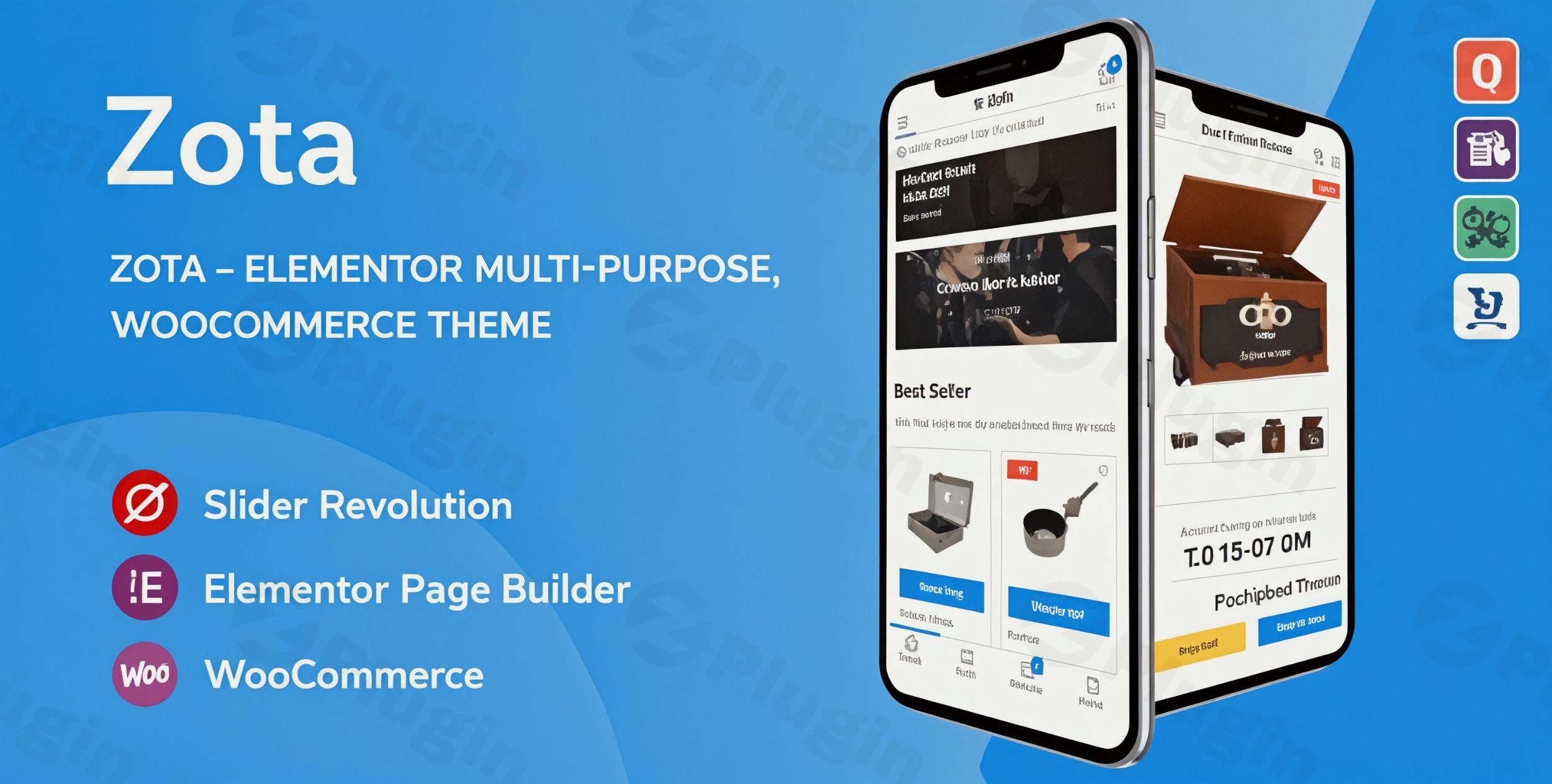
The digital marketplace thrives on engaging design and seamless functionality. For anyone looking to launch or upgrade an online store, Zota Elementor WooCommerce Theme offers a robust and flexible solution. Designed to create stunning eCommerce websites and marketplaces with remarkable ease, Zota empowers store owners, entrepreneurs, freelancers, and agencies to build professional online presences without needing to write a single line of code. Its modern, minimalist design philosophy combined with deep Elementor integration makes it an ideal choice for a diverse range of online businesses, from boutique fashion outlets to electronics shops and complex multi-vendor platforms.
Key Features: Design, Layout & Performance for High-Converting Stores
Zota is engineered with a comprehensive suite of features that prioritize both aesthetic appeal and crucial backend performance, ensuring your online store looks great and functions flawlessly.
Design & Layout Options: Build Visually Engaging Shops
Zota provides extensive design and layout flexibility, allowing you to craft a unique shopping experience:
- Vast Pre-Designed Content: Dive into over 300+ pre-designed pages and leverage 8+ mesmerizing homepages specifically tailored for online stores. This rich library, combined with a one-click demo import, significantly accelerates your development process.
- Diverse Shop & Product Layouts: Showcase your products effectively with multiple shop and product layout options, including convenient grid and list views for your main shop pages. Zota ensures your product presentation is always optimized.
- Mobile-First, App-Like Experience: With a strong emphasis on responsive design, Zota delivers an app-like shopping experience on mobile devices. Its handy mobile menu makes product navigation effortless, boosting engagement and sales for the increasing number of mobile shoppers.
- Essential Business Pages: Beyond product displays, Zota includes a comprehensive blog system and several contact sections, providing all the necessary components for a fully functional business website.
Customization Capabilities: Brand Your Store Without Code
Tailoring Zota to your brand’s unique identity is straightforward, thanks to its powerful customization tools:
- Drag-and-Drop Elementor Integration: Zota is built around the popular Elementor page builder, offering intuitive drag-and-drop customization for every element of your site. This allows for pixel-perfect design control without any coding knowledge.
- Elementor-Powered Header & Footer Builder: A standout feature is the dedicated Header & Footer builder, deeply integrated with Elementor. This gives you complete control over these crucial sections, enabling you to design custom layouts that perfectly match your brand.
- Flexible Menu Options: Implement sophisticated navigation with mega menu and vertical menu options, enhancing user experience and allowing for extensive product categorization.
- Granular Styling Control: While specific color scheme numbers aren’t detailed, Zota provides powerful theme options for broad customization. For advanced users, Custom CSS & JS options are available within the theme settings, offering precise control over design elements. The theme also supports modern typography with Font Awesome Version 5 and Font Simple Line Icons.
Performance & SEO Features: Drive Traffic and Conversions
Zota isn’t just about looks; it’s built for speed and visibility:
- Optimized Code Structure: Emphasizing “speedy loading,” Zota features an optimized code structure for maximum efficiency, contributing to faster page loads and a better user experience.
- Built-in SEO Optimization: The theme comes with built-in SEO optimization to help your store achieve better search rankings. This includes clean markup and a structure conducive to search engine crawling.
- WooCommerce Ready with Modern Features: Fully compatible with WooCommerce 8.7.x (and older versions like 5.2+), Zota offers a modern checkout flow, product quick view, and AJAX search functionality. These features enhance the shopping journey and conversion rates.
- Global Reach: Zota is multilingual and multi-currency ready, and also supports RTL (Right-to-Left) languages, making it suitable for a global audience.
- Essential eCommerce Tools: Boost sales with integrated wishlist and product comparison features. The Revolution Slider plugin is also included for creating stunning product showcases.
Installation & Demo Import: Get Your Store Running Fast
Getting started with Zota is designed to be a streamlined process, even for beginners. Here’s a typical workflow:
- Download the Theme: Obtain the Zota theme files from your purchase source (e.g., ThemeForest for an official license).
- Install & Activate:
- Log in to your WordPress dashboard.
- Navigate to Appearance > Themes > Add New > Upload Theme.
- Click “Choose File” and select the
zota.zipfile (ensure you upload the theme ZIP, not the entire downloaded package which might contain documentation and other files). - Click “Install Now” and then “Activate”.
- Common Pitfall: If you encounter a “Broken theme and/or stylesheets missing” error, it usually means you uploaded the entire downloaded package instead of just the theme’s installable ZIP file. Unzip the main download, and locate the
zota.zipfile inside.
- Install Required Plugins: Upon activation, Zota will likely prompt you to install a set of recommended plugins. These typically include Elementor, WooCommerce, Redux Framework (for theme options), and other essential tools like Revolution Slider and the theme’s core functionality plugin. Install and activate all recommended plugins.
- One-Click Demo Import: Zota shines with its one-click demo import feature, allowing you to instantly replicate any of the beautiful demo sites.
- Navigate to the theme’s dedicated demo import section (often found under Appearance > Import Demo Data or a similar menu item).
- Select your preferred demo layout.
- Click “Import”.
- What to Expect: The import process will bring in demo pages, posts, menus, widgets, and theme options. Be aware that larger demo imports may require sufficient server memory and a generous execution timeout. Ensure your WordPress
uploadsfolder is writable for this function to work correctly.
- Initial Setup: After the demo import, you may need to:
- Set your homepage and blog page under Settings > Reading.
- Assign your main menu under Appearance > Menus > Manage Locations.
- Review and adjust WooCommerce settings if you haven’t already.
Customization Guide: Personalizing Your Zota Store
Zota offers extensive customization capabilities, primarily through its deep integration with Elementor and robust theme options. This makes branding your site an intuitive, code-free experience.
- Global Styles via Theme Options: Access Zota’s “Powerful Theme Options” (often found under Appearance > Theme Options or a dedicated menu item in your dashboard). Here, you can control global settings such as:
- Color Schemes: Define your brand’s color palette across your site.
- Typography: Set default fonts, sizes, and styles for headings and body text.
- Spacing and Layout: Adjust global spacing, container widths, and section styles.
- Custom CSS & JS: For more advanced users, dedicated fields allow you to inject custom CSS and JavaScript to fine-tune any design element.
- Visual Building with Elementor: For page-specific and component-level customization, Elementor is your primary tool.
- Editing Pages: Open any page with Elementor to drag, drop, and configure sections, columns, and widgets. Use Zota’s custom Elementor widgets to leverage theme-specific elements like product carousels and latest post displays.
- Header & Footer Builder: Utilize the dedicated Elementor-powered builder to design unique headers and footers. This allows for custom layouts, menu integrations (mega menus, vertical menus), and branding elements that are often restricted in other themes.
- Branding Elements: Easily upload your logo and favicon through the theme options or the WordPress Customizer (Appearance > Customize).
- Menu Management: Create and manage your navigation menus under Appearance > Menus. Zota’s support for mega menus and vertical menus allows for highly organized and user-friendly navigation, especially beneficial for stores with extensive product categories.
- Child Theme for Safe Modifications: For any direct code modifications or extensive custom CSS, it is highly recommended to install a child theme. This ensures your customizations are not overwritten during theme updates, maintaining your unique design while benefiting from the latest security patches and features.
FAQ & Troubleshooting
Here are some common questions about the Zota Elementor Multi-Purpose WooCommerce Theme:
Is Zota compatible with Elementor / WPBakery / Gutenberg?
Zota is fully built with and deeply integrated with Elementor, providing a seamless drag-and-drop page building experience, including an Elementor-powered Header & Footer builder. While it’s expected to be compatible with the core WordPress Block Editor (Gutenberg) for general content, its primary focus and advanced customization features revolve around Elementor. There is no explicit mention of WPBakery Page Builder compatibility.
Does Zota support WooCommerce for online stores?
Yes, Zota is a powerful WooCommerce WordPress theme, offering deep integration and comprehensive support for online stores. It is WooCommerce 8.7.x Ready (and compatible with older versions like 5.2+), providing a modern checkout flow, product quick view, AJAX search, wishlist, and product comparison features essential for any eCommerce business.
Does Zota support multi-vendor marketplaces like Dokan?
Absolutely, Zota is designed with multi-vendor marketplace functionality in mind. It is fully compatible with popular multi-vendor plugins such as Dokan, WC Marketplace (WCMp), WCFM, and WC Vendors, making it an excellent choice for building platforms similar to Amazon or eBay.
What are the minimum requirements for Zota Theme?
For optimal performance and compatibility, Zota requires WordPress 6.4+, PHP 7.2 or higher, and MySQL 5.6 or greater (or MariaDB 10.0 or greater). It’s also recommended to have a Memory Limit of 512M or higher and a writable uploads folder for functions like one-click demo import.
How can I update the Zota theme without losing my customizations?
To safely update Zota without losing your customizations, it is crucial to always use a child theme for any custom CSS, functions, or template modifications. When an update is available, you can simply update the parent Zota theme through your WordPress dashboard, and your customizations within the child theme will remain intact.
Conclusion
The Zota – Elementor Multi-Purpose WooCommerce Theme stands out as a top-tier solution for anyone serious about building a high-converting online store or a robust multi-vendor marketplace. Its unparalleled design flexibility, driven by deep Elementor integration and over 300 pre-designed pages, allows for extensive customization without any coding. From its mobile-first design and blazing-fast performance to its built-in SEO optimization and comprehensive WooCommerce and multi-vendor plugin compatibility, Zota provides all the tools needed for success.Whether you’re a beginner store owner looking for an intuitive, “super newbie-friendly” platform, or an agency seeking a flexible and powerful theme for client projects, Zota offers a compelling package. It truly shines in scenarios where a visually stunning, feature-rich, and easily customizable eCommerce website is paramount. Zota is a confident choice for businesses ready to thrive in the competitive online retail landscape.
I. Download Limits & Account Benefits
- Free Downloads: Each email address receives 3 downloads per day for free products
- Upgrade Benefits: Purchase any paid product to increase your daily download limit by 3 for each paid product
- No Account Required: You can download immediately by receiving the download link via email
- Account Recommended: Create an account for easier access to your order history and direct update downloads
II. Understanding GPL vs Official Versions
Important: The products available on WPPick are GPL-licensed versions, which differ from official developer versions. Before purchasing, please read our comprehensive guide: Understanding GPL & Official Differences at WPPick
Key Points:
- GPL versions may not include premium support from original developers
- Updates may be delayed compared to official releases
- Some premium features might have limitations
- Always consider your specific needs and support requirements
III. Support & Assistance
We’re here to help through multiple channels:
- Email Support: Direct email assistance for all inquiries
- Live Chat: Real-time support during business hours
- Comprehensive Documentation: Detailed guides and tutorials
IV. Order Tracking
Access your complete purchase history and download links anytime: Order History
V. Account Access
New to WPPick? Login or Create Account to manage your downloads and orders efficiently.
VI. Refund Protection
We stand behind our products with a clear refund policy. Review our terms: Refund Policy
VII. Privacy & Security
Your data security is our priority. Learn how we protect your information: Privacy Policy
VII. Terms of Service
Understanding our service terms ensures a smooth experience: Terms of Use
Quick Tips for Best Experience
- Verify Compatibility: Check plugin/theme compatibility with your WordPress version
- Backup First: Always backup your site before installing new plugins or themes
- Test Environment: Consider testing on a staging site first
- Stay Updated: Regularly check for updates in your account dashboard
- Read Documentation: Review any included documentation for optimal setup
Need Help?
If you have questions about downloads, licensing, or need technical assistance, don’t hesitate to contact our support team. We’re committed to ensuring you have the best possible experience with WPPick products.
Ready to get started? Your download adventure begins with just one click!
- Compatible with WooCommerce 10.5.x.
- Fix Out Of Date the file "zota/woocommerce/single-productproduct-image.php".
- Fixed LFI vulnerability in Elementor Widget "Zota Posts Grid"
- Fixed a Local File Inclusion (LFI) vulnerability found in the parameter header_mobile
- Compatible with WooCommerce 10.3.x
- Fix Out Of Date the file "zota/woocommerce/single-product/related.php"
- Compatible with WooCommerce 10.1.x
- Fix Out Of Date the file "zota/woocommerce/cartcart.php"
- Compatible with WooCommerce 10.0.x
- Remove the file "zota/woocommerce/checkoutform-login.php"
- Fix Out Of Date the file "zota/woocommerce/cartcart.php"
- Fix Out Of Date the file "zota/woocommerce/cartmini-cart.php"
- Fix Ajax count on YITH Wishlist
- Fixed a critical Local File Inclusion (LFI) vulnerability in the zota_get_products_categories_tab_shortcode and zota_get_products_tab_shortcode AJAX actions.
- Compatible with WooCommerce 9.9.x
- Compatible with YITH WooCommerce Compare 3.0.x
- Fix Out Of Date the file "zota/woocommerce/single-producttabstabs.php"